
Oracle Simphony · Verified integration
Self-ordering, deeply integrated with Oracle Simphony.
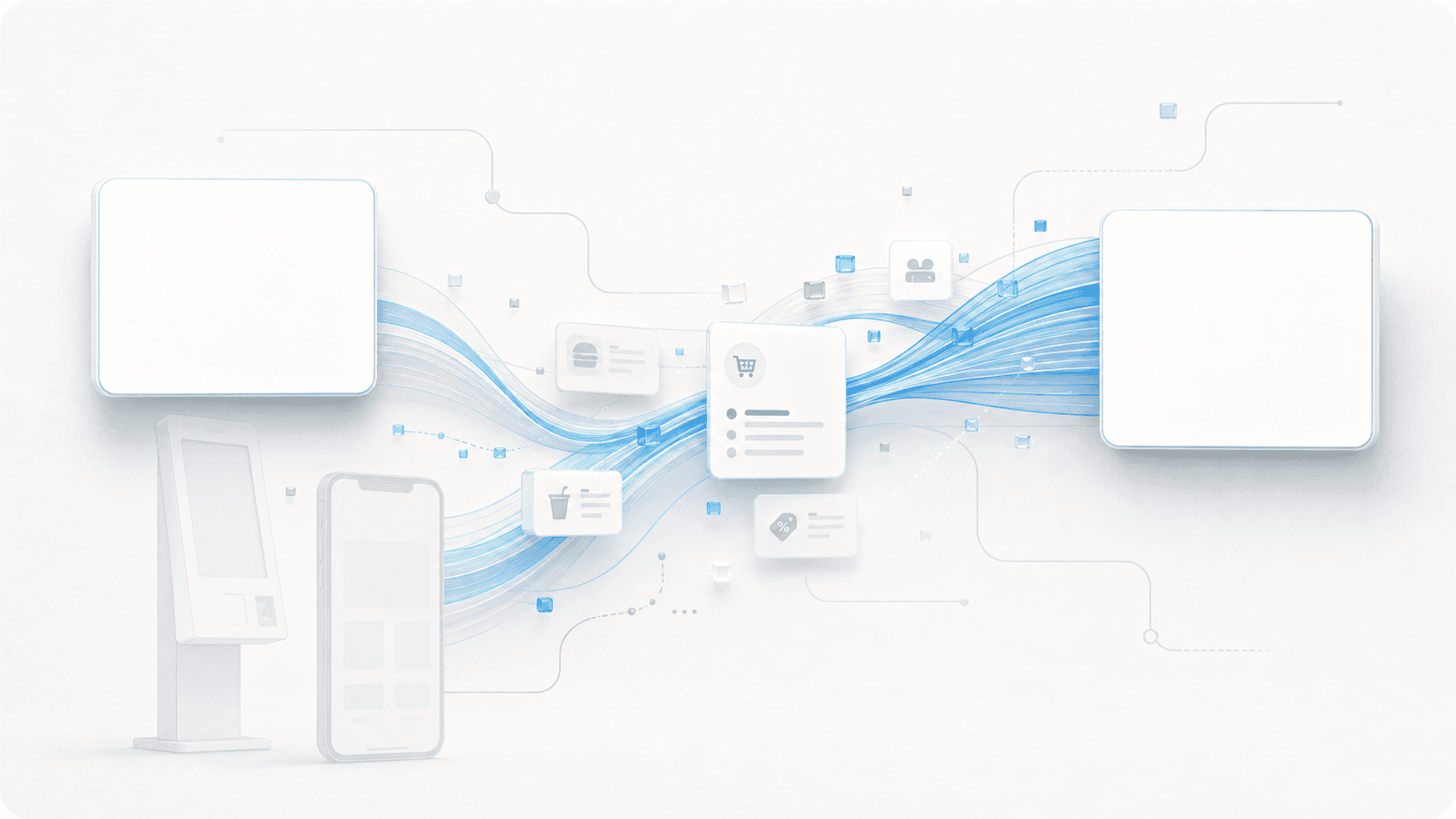
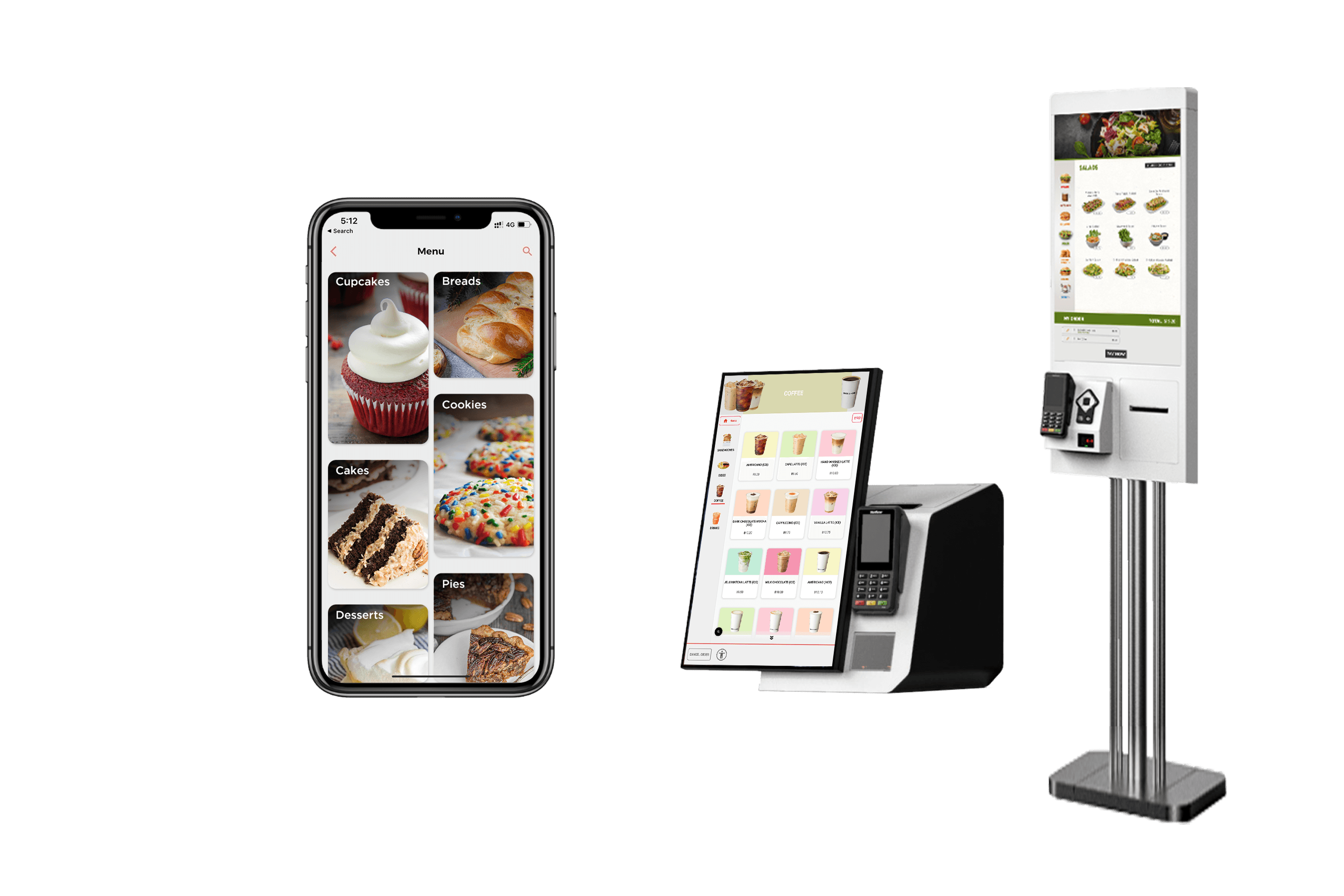
XPR plugs into Oracle Simphony Gen 2 the way Oracle expects: menu, modifiers, combos, taxes and discounts pulled live; orders posted as guest checks; webhooks for instant updates. Add kiosks, mobile, QR, linebusting, and order-display screens without touching the POS your venues already trust.

Live on Oracle Simphony at




Verified integration
Listed on the Oracle Cloud Marketplace.
You don’t have to take our word for it. Our Simphony integration is real, productized, and operating today.
XPR Self-Ordering Kiosks on Oracle Cloud Marketplace
XPR Self-Ordering Kiosks is a verified Oracle partner with a published listing on the Oracle Cloud Marketplace.
Verify the integration directly with Oracle Cloud Marketplace.

How the integration works
Build the menu in Simphony. Show it everywhere. Post orders back.
You manage your menu and pricing once, in Simphony. XPR pulls it live and renders it on every self-ordering channel — and posts every paid order back into Simphony as a real check.
01
You manage menu in Simphony
Items, modifiers, combos, prices, taxes, discounts, and service charges live in EMC / Simphony Cloud — exactly where your operators already maintain them.
02
XPR pulls your menu live
XPR fetches the menu hierarchy on schedule — and instantly when Simphony fires a webhook. Kiosks, mobile, and QR all render the same source of truth.
03
Customer orders & pays on XPR
A guest checks out on a kiosk, mobile, QR, or linebusting tablet, and pays with EMV / wallet via your certified processor.
04
Order posts to Simphony as a guest check
XPR posts the check to Simphony with the right revenue center, employee, order type, tender, taxes and tips. KDS, prep printers, and reporting see it like any counter check.
One menu, every channel
Simphony stays the source of truth.
You build and price the menu once, in Simphony. XPR pulls the structure operators expect — and respects every Simphony rule. No second menu, no second pricebook, no parallel system to keep in sync.
Menu items & prices
Items, descriptions, prices, and price tiers — pulled exactly as configured in your POS, including price changes by daypart or revenue center.
Modifier groups & rules
Required vs. optional, min/max counts, included modifiers, upcharge rules, and exclusivity. The kiosk enforces what your POS already enforces.
Combos & meal builders
Combo definitions and step-by-step meal builds — drinks, sides, mains — render automatically on the kiosk.
Categories from family groups or SLUs
Build the kiosk category structure from Simphony family groups or from SLUs — switchable per property by a single configuration setting.
Tax classes & rates
Tax rules, eat-in vs. take-out variants, and per-item tax classes are pulled and applied at checkout.
Discounts & service charges
Promo discounts, loyalty discounts, and service charges configured in the POS are available to apply on the kiosk.
Kiosk-only menus via tags
Tag the items in Simphony you want shown on the kiosk and XPR will only render those. Keep a broader menu on the POS for cashier ordering, while the kiosk shows a curated, customer-facing menu.
Item availability
Out-of-stock flags pulled from the POS hide items from the kiosk so customers can never order what the kitchen cannot make.
Real-time
Real-time menu updates via Simphony webhooks
XPR is registered as a Simphony Gen 2 subscriber. The moment your team changes an item, price, modifier, or 86s a product in EMC, Oracle pushes a notification to XPR — and the kiosk reflects it within seconds, without anyone touching the kiosk.
- Subscribed to menu, item-availability, and configuration change notifications
- HMAC-signed payloads — Oracle validates we are the registered subscriber
- Falls back to scheduled polling if a webhook is missed; nothing drifts
- Multi-property: each property is registered independently
Webhook flow
- 1Operator updates an item in Simphony
- 2Simphony fires a configuration-change notification
- 3XPR validates the HMAC signature and pulls the delta
- 4Kiosk, mobile, QR, linebusting and ODB reflect the change
Out of stock control
86 items in seconds
When the kitchen runs out of brisket, your manager flags it as out-of-stock in Simphony or in the XPR CMS — XPR hides the item across every channel: kiosk, mobile, QR, linebusting and the order-display board. No customer ever orders something the kitchen cannot make.
Live availability
Synced- Smash BurgerAvailable
- Brisket Sandwich86’d — hidden on kiosk
- Chicken TendersAvailable
- Garlic FriesLow stock
Trigger from Simphony or the XPR CMS — the kiosk hides the item across all channels in seconds.
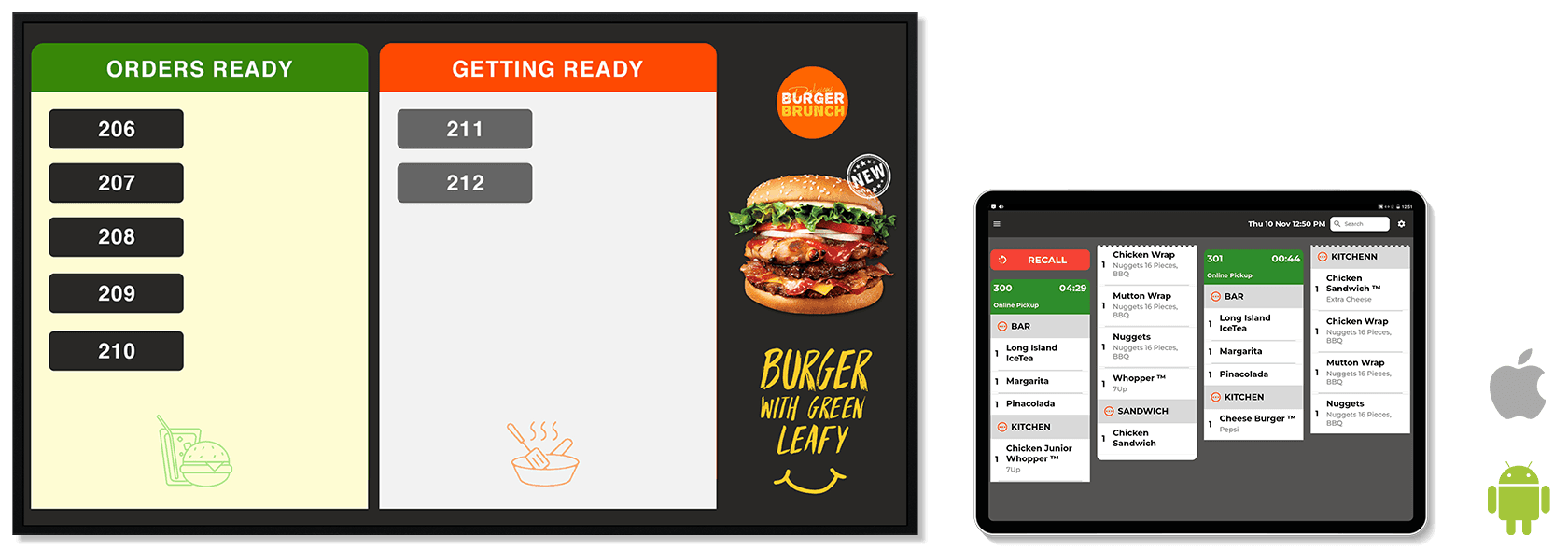
Order Display Board
Order-Display Board, wired into Simphony
XPR Order-Display Board pulls check status directly from Simphony. Counter checks, kiosk checks, mobile checks — all on the same screen, in the queue your guests are watching. No separate display feed for self-ordering vs. cashier-rung orders.
- Pulls open and ready checks from Simphony — including counter-rung orders, not just XPR self-ordering
- "Now Preparing" and "Ready" lanes update from Simphony order events
- One ODB per make-line or pickup point; multi-property supported
- Designed for QSR, fast-casual, stadiums, food halls, and travel concessions
No payment lock-in
Keep the payment processor you already use.
XPR is processor-agnostic. Choosing Simphony doesn’t lock you into a specific payment gateway — we already integrate with most major processors and gateways used by U.S. and global restaurant operators. If your processor isn’t listed here, it likely isn’t a blocker; we’ll confirm during a 30-minute scoping call.





And many more — Fiserv, Elavon, Global Payments, Tyro, regional processors, and direct gateways.
Ready when you are
See your menu, your brand, your POS — running on XPR.
Book a 30-minute demo. We’ll set it up with your menu, your brand colors, and the full ordering-to-kitchen flow on your POS — not a generic walkthrough.