
Self-Service Kiosks
Offline-First Architecture: Why Your Kiosk Must Process Orders Without the Internet
5 min read
Self-Service Kiosks
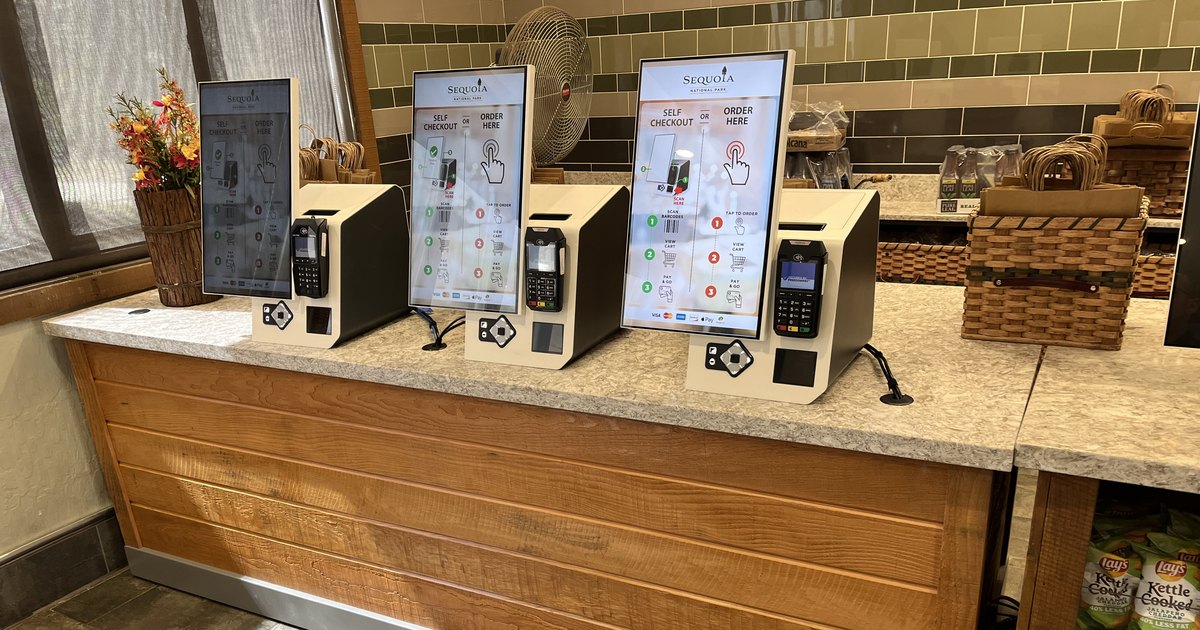
It is 12:15 on a Saturday. The lunch line is twelve people deep. Somewhere upstream, a fiber cut takes out your internet provider for the entire retail block. Your point of sale terminals fall back to local mode and keep ringing. Your kiosks, all six of them, display a spinner and then an error screen.
For the next forty minutes, the most expensive ordering hardware in your restaurant is a set of digital paperweights, and every guest who walked toward a kiosk has to be absorbed by a counter you deliberately staffed down.
The question is not whether your connectivity will fail. It is what your kiosks do while it is failing.
Restaurant networks are not data center networks. They are commodity broadband circuits terminating in a back office closet, frequently sharing bandwidth with security cameras, digital menu boards, guest Wi-Fi, and back office reporting.
The realistic failure modes are mundane and constant:
None of this is exotic. It is Tuesday.
Operators tend to model an outage as lost transactions during the outage window. That understates it considerably.
When kiosks stop selling, the guests in front of them do not evaporate. They redirect to a counter that was intentionally staffed for a lower share of orders, which creates a queue that does not clear when the network comes back. Throughput stays degraded for the rest of the daypart. Some guests leave. Staff spend the recovery period apologizing rather than serving.
If your self-ordering channel is carrying a meaningful share of transactions, and for many of our customers it carries most of them at peak, then a kiosk platform that cannot operate through an outage is not a self-ordering strategy. It is a fair weather one. We have covered the financial modeling in more detail in the hidden cost of kiosk downtime.
Nearly every kiosk vendor will tell you they support offline mode. The claim is worth very little on its own, because it is often satisfied by displaying a cached menu and a polite error message at the payment screen.
A kiosk platform that genuinely operates through an outage should be able to do four things while the internet is unavailable:
Anything less than all four leaves a hole somewhere in the operation. Taking an order you cannot cook, or cooking an order you cannot charge for, is not meaningfully better than refusing it.
Offline capability is valuable everywhere, but in some environments it is a requirement rather than a nice to have:
XPR was designed for operators running real venues, in exactly the environments above, which means the platform treats loss of connectivity as an expected condition rather than an exception.
XPR kiosks continue taking orders during an internet outage, tickets keep reaching the kitchen, card payments continue within the limits configured for your business, and orders reconcile into your point of sale once the connection is restored.
This includes deployments running Oracle Simphony. XPR integrates directly with Simphony, and the offline behavior is designed around that integration rather than bolted on beside it, so the checks that land in Simphony after an outage reflect what the guest actually ordered. The same applies across the other POS platforms XPR supports, including PAR Brink POS and Heartland Genius POS.
The exact configuration depends on your environment, including how your POS is deployed, which payment processor you use, and how you want to handle cash and reconciliation. Those are decisions we work through with your team during design, because the right answer for an airport concession is not the right answer for a national park lodge.
Self-ordering only pays for itself if it works during the hours that matter, and those hours are exactly when networks are under the most strain.
If your team is evaluating kiosks for airports, parks, stadiums, travel plazas, or high volume restaurants, we are happy to walk through how XPR behaves during an outage against your own POS and payment environment, including Oracle Simphony.
Talk to the XPR team and ask us to pull the network cable during the demo. We expect the question.
Ready when you are
Book a 30-minute demo. We’ll set it up with your menu, your brand colors, and the full ordering-to-kitchen flow on your POS — not a generic walkthrough.